Passwords protect your online life.
Weak passwords break very fast.
Hard passwords are difficult to remember.
Both create problems.
A memorable password generator gives a smart solution.
It creates strong and simple passwords in seconds.
👉 Try now: Memorable Password Generator
What Is a Memorable Password
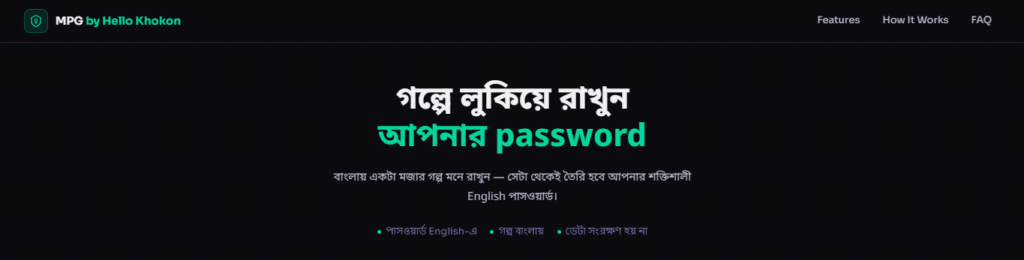
A memorable password uses real words or simple phrases.
Easy to remember.
Hard to guess.
Examples:
- BlueTigerRunsFast!
- SunnyDay2025!
These passwords feel natural but stay secure.
Why Strong Passwords Matter
Hackers use powerful tools.
They test many passwords in seconds.
Weak passwords fail quickly.
Strong passwords help you:
- Protect social media accounts
- Keep email safe
- Secure bank access
A strong password keeps your data safe.
What This Password Tool Does
This password generator tool creates secure passwords instantly.
No thinking needed.
No writing needed.
Click once and get a ready password.
Fast. Simple. Safe.
Key Features of the Tool
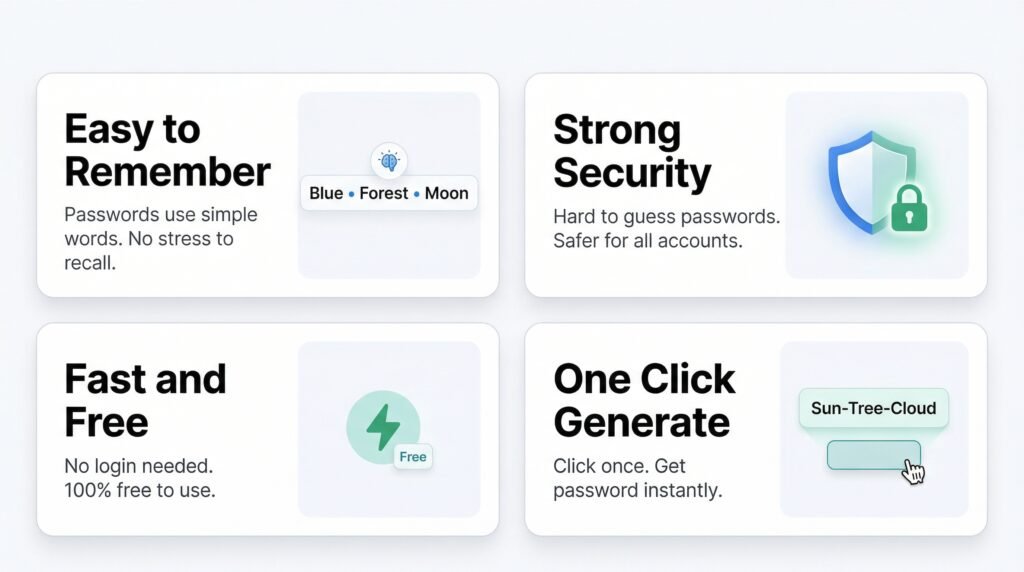
Easy to Remember
Passwords use simple and clear words.
No stress to recall later.
Strong Security
Each password is hard to guess.
Better protection for accounts.
Fast and Free
No login required.
No payment needed.
One Click Generate
Click once.
Get a strong password instantly.
How to Use the Tool
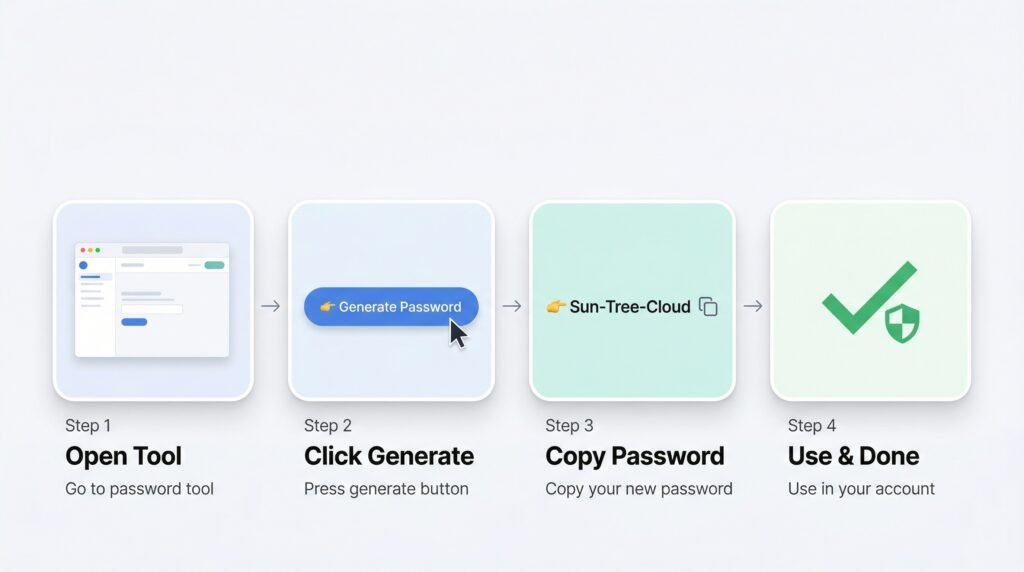
Follow these steps:
- Open the password generator tool
- Click the generate button
- Copy the password
- Use it in your account
Done. Very simple.
Why Use This Tool
Many tools create random strings like:
Xy@9#kL$2
Hard to remember.
This tool creates human-friendly passwords.
Simple words.
Strong protection.
Best balance for daily use.
Best Tips for Password Safety
Follow these tips:
- Use different passwords for each account
- Add numbers and symbols
- Change passwords regularly
- Never share passwords
- Avoid name or birth date
👉 Before sharing images online, you can also check image metadata using our tool.
These steps improve your online safety.
Real Life Example
One user used a weak password like 123456.
The account got hacked in minutes.
After using a stronger password,
no more problems happened.
A better password can stop attacks.
Common Mistakes People Make
Avoid these mistakes:
- Using short passwords
- Repeating same password
- Saving passwords in plain text
- Ignoring safety tips
👉 You can also explore more online security tools to stay protected.
Small mistakes can cause big loss.
Who Should Use This Tool
This tool is useful for:
- Students
- Freelancers
- Business owners
- Social media users
Anyone who wants safe access online.
Common Places Where Passwords Get Hacked
Many accounts are easy targets.
Hackers often attack:
- Email accounts
- Social media profiles
- Online banking
- Shopping websites
A weak password makes access easy.
A strong password gives better protection.
Using a secure password creator reduces risk.
How Hackers Guess Passwords
Hackers do not guess manually.
They use automated tools.
These tools try thousands of passwords every second.
Common patterns are easy targets:
- 123456
- password
- your name + birth year
These passwords break very fast.
A strong password with words and symbols is much harder to crack.
Using a smart password generator helps avoid weak patterns.
Signs Your Password Is Weak
Many people use weak passwords without knowing.
Check these signs:
- Password is too short
- Uses only numbers
- Same password used everywhere
- Easy to guess words
If your password matches these, change it now.
A strong password gives better protection.
FAQ
What is a memorable password generator
A tool that creates strong and easy passwords using simple words.
Are these passwords safe
Yes. They are hard to guess and safe for daily use.
Can hackers break strong passwords
Very difficult if the password is long and unique.
How often should passwords change
Change every few months for better safety.
Final Words
Online safety starts with a strong password.
Simple passwords are risky.
Complex passwords are hard to remember.
A memorable password generator gives the best balance.
Strong. Simple. Secure.
👉 Generate your password now before hackers guess it